Step 1
Open your SaudaScout dashboard
After signing in, the Product Hit Predictor shows current product candidates, event tags, category trends, and signal totals in one workspace.
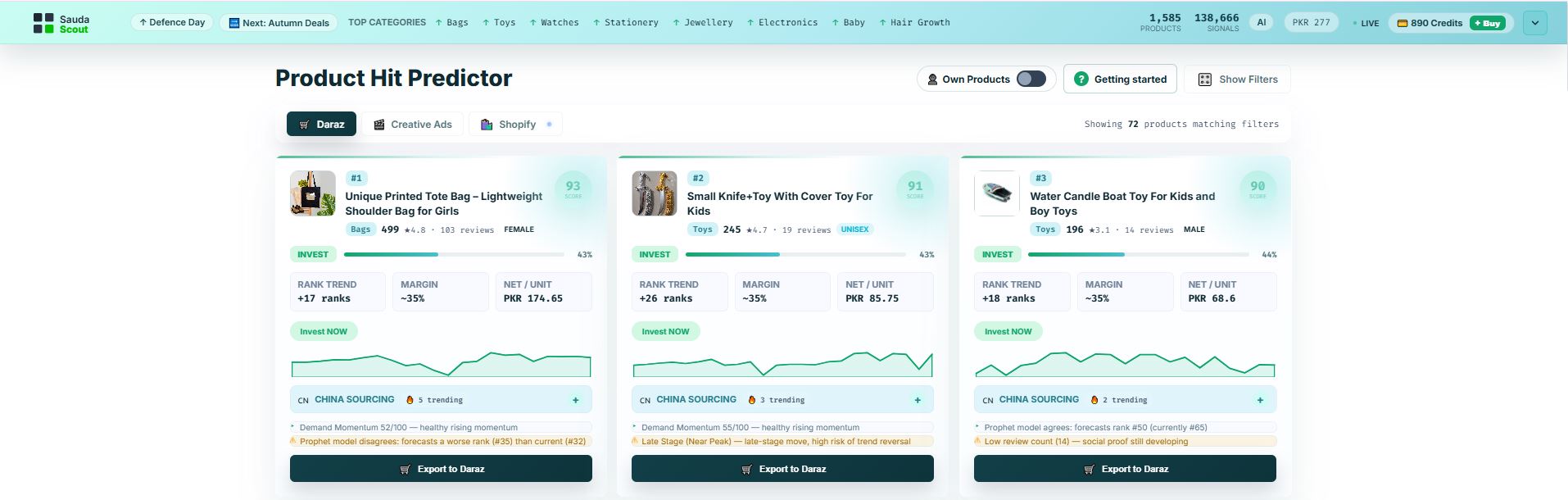 Product dashboard
Visual product research tutorial
Follow the highlighted controls to filter product signals, prepare creative assets, and review a Daraz or Shopify export in SaudaScout.
Phase one
Step 1
Product dashboard
Step 2
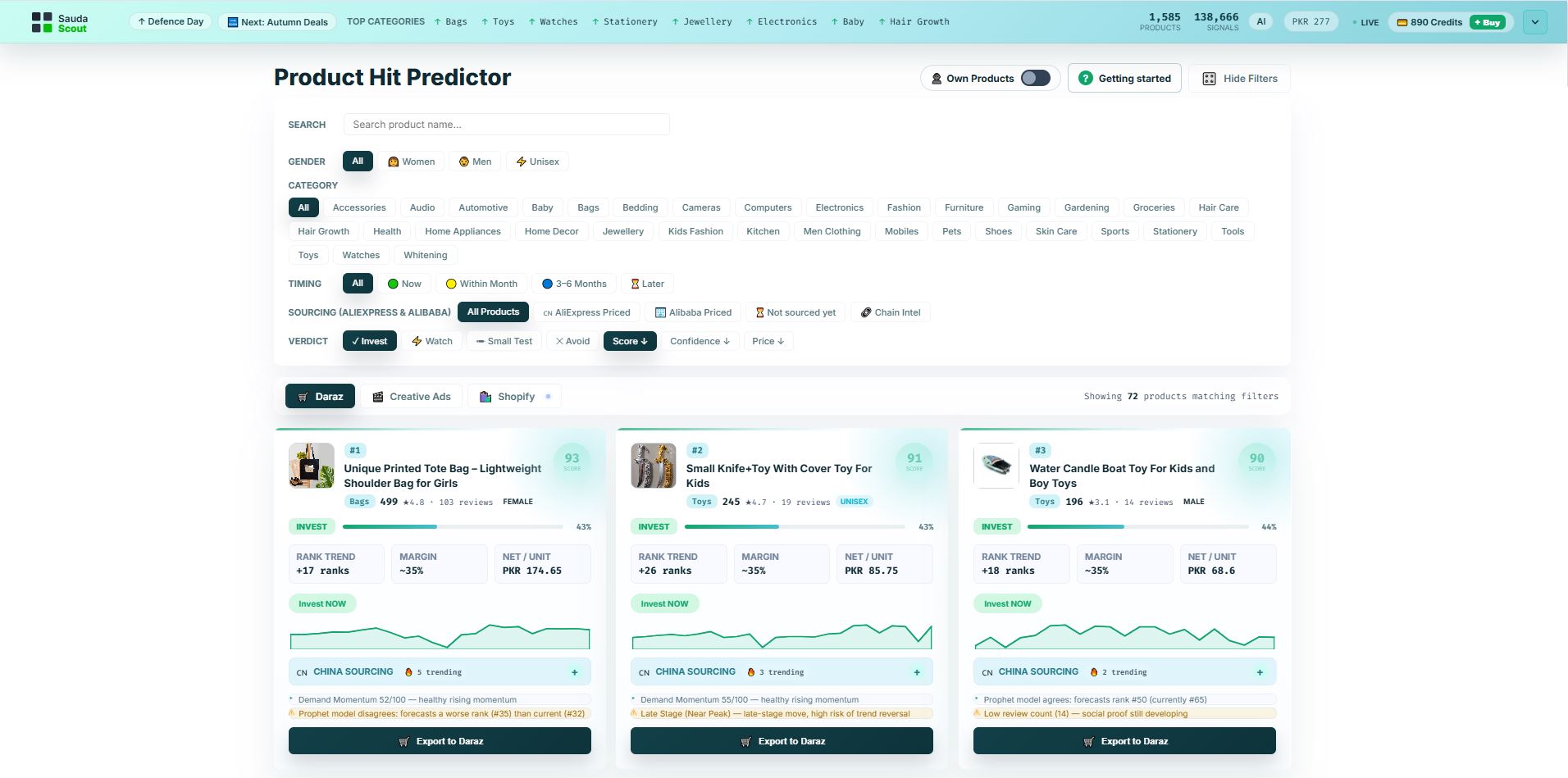 Filters menu
Step 3
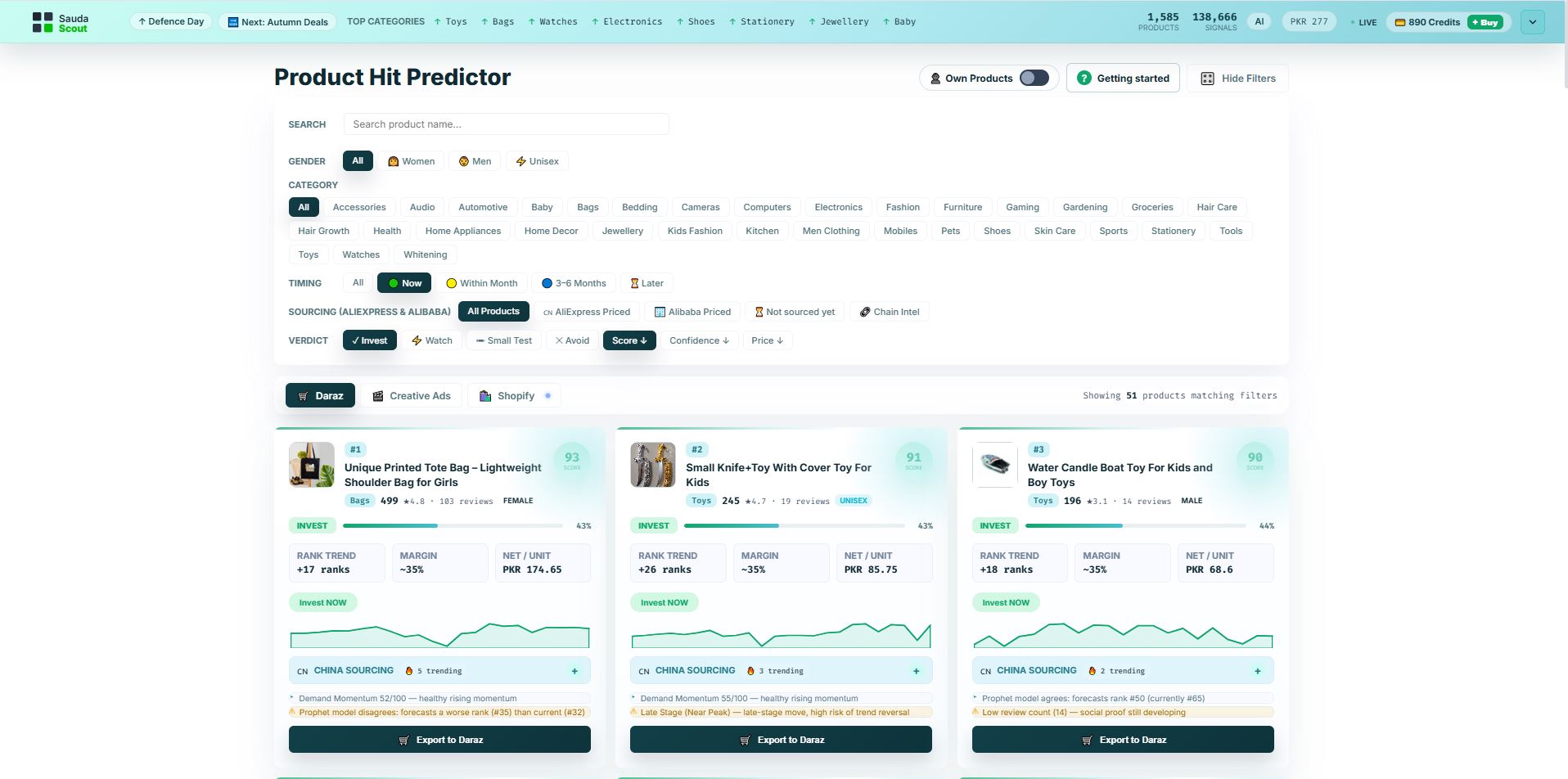 Choose category
Choose timing
Choose verdict
Review score
Choose category
Choose timing
Choose verdict
Review score
Phase two
Step 1
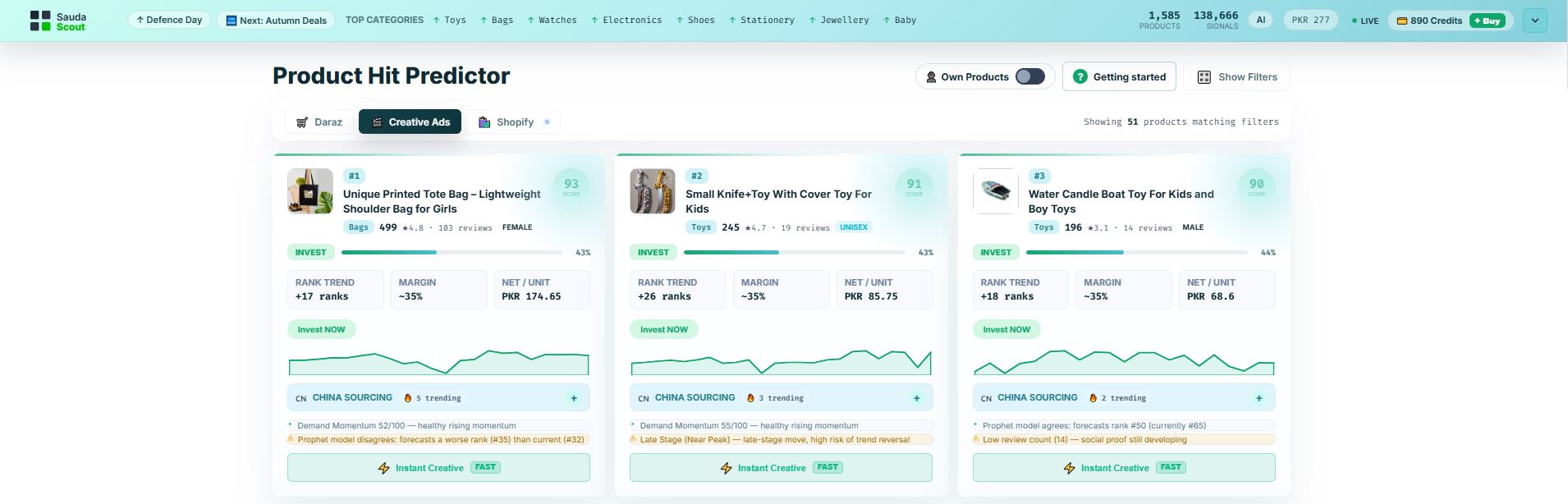 Open Creative Ads
Choose a product
Open Creative Ads
Choose a product
Step 2
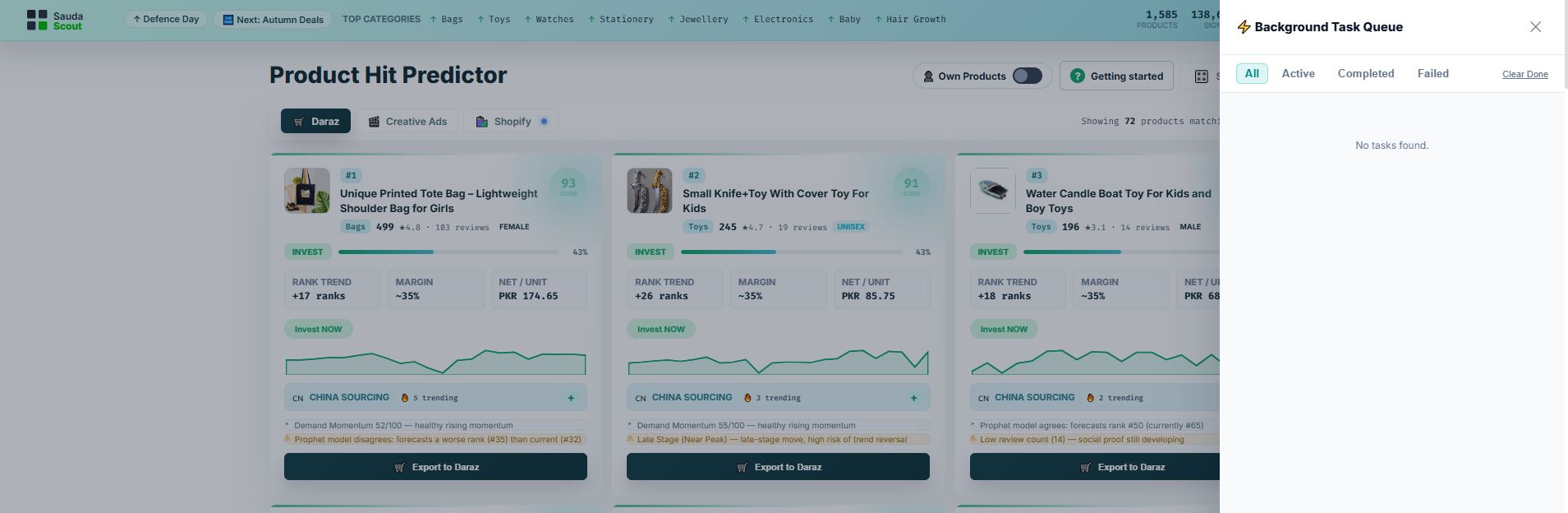 Task queue
Step 3
Phase three
Step 1
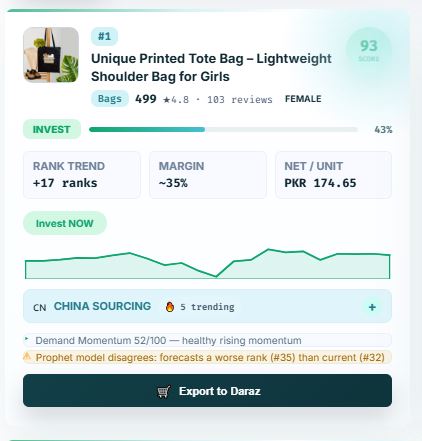 Export to Daraz
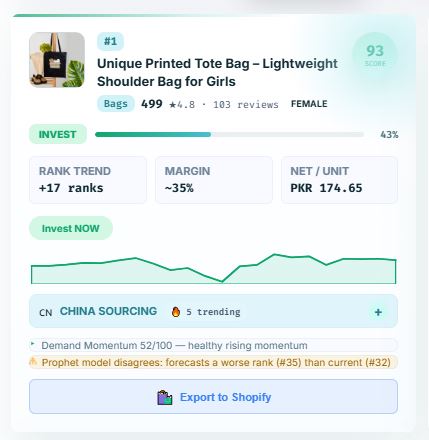 Export to Shopify
Step 2